DecorAI AI Home Design App
DecorAI is an AI interior design app that lets you upload a photo of your room and instantly generate realistic before & after designs in 30+ styles.
- •Upload any room photo from your phone
- •Choose from 30+ AI room design styles
- •Get photo-realistic before & after results in seconds
- •Works for bedrooms, living rooms, kitchens, and more


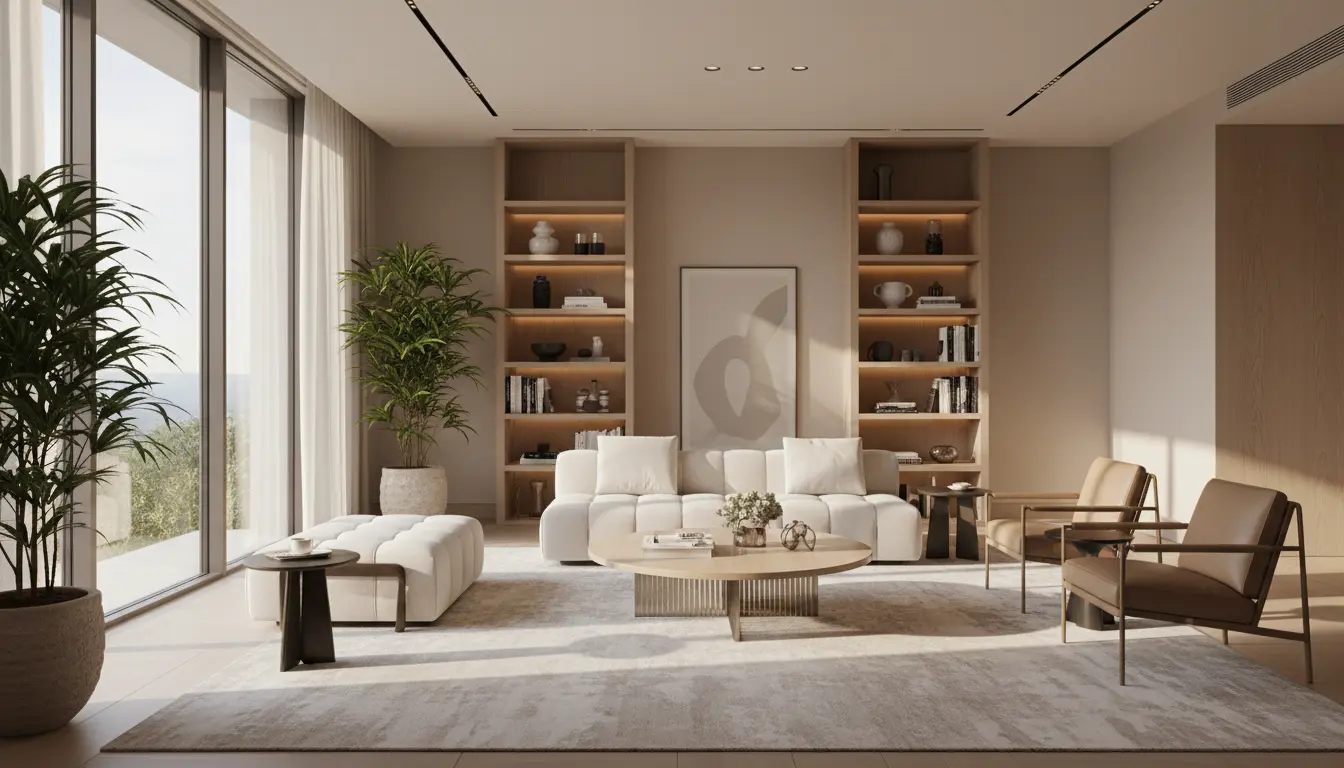
Modern Living Room
Designed with DecorAI in seconds
How It Works
How the AI Interior Design App Works
DecorAI AI room design app transforms any room in 4 simple steps. Upload a photo, select a style, and get instant before & after designs. No design experience required.
Upload Your Room Photo
Take a photo of any room with your phone. The AI interior design app works with bedrooms, living rooms, kitchens, bathrooms, and any other space in your home.
Select a Design Style
Choose from 30+ design styles including Modern, Scandinavian, Coastal, Farmhouse, Industrial, and more. Each style creates a completely different look for your room.
AI Generates Your Design
DecorAI AI home design app analyzes your room and generates a realistic redesign in under 10 seconds. The AI places furniture, applies colors, and creates a complete interior design.
Download and Share Results
Save your before & after room transformation images. Share designs with family, contractors, or on social media. All images are yours to keep and use.
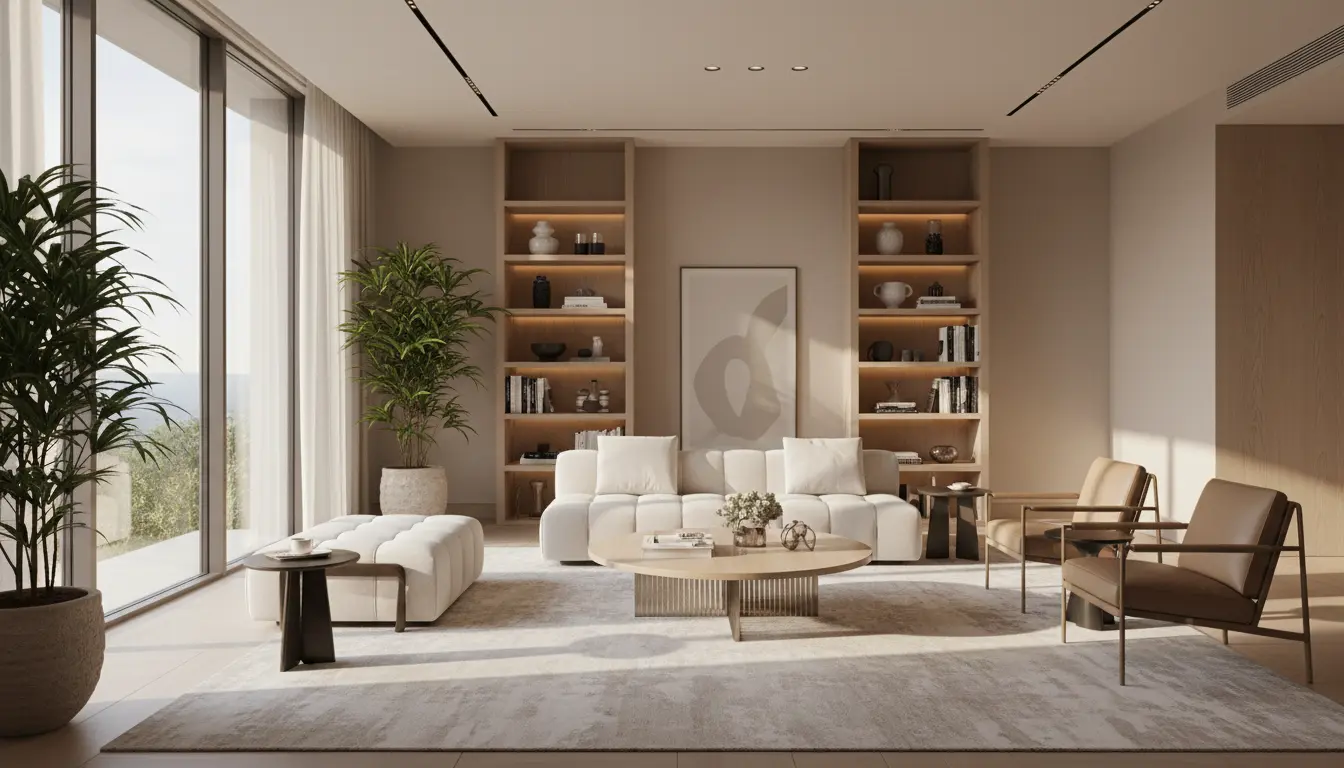
Design your room from a photo
DecorAI makes room planning easy. No design skills needed. Just upload, choose, and visualize.
Upload a Photo
Take a picture of your room with your phone or camera
Choose a Style
Pick from Modern, Scandinavian, Bohemian, and 30+ more styles
Get Instant Results
See your redesigned room in under 10 seconds
No credit card required • Works on iPhone, Android & Web
Before & After Room Transformations
See a real room redesigned with DecorAI AI home design app. This before & after transformation was generated from a single photo in under 10 seconds. Drag the slider to compare the original room with the AI-generated design.
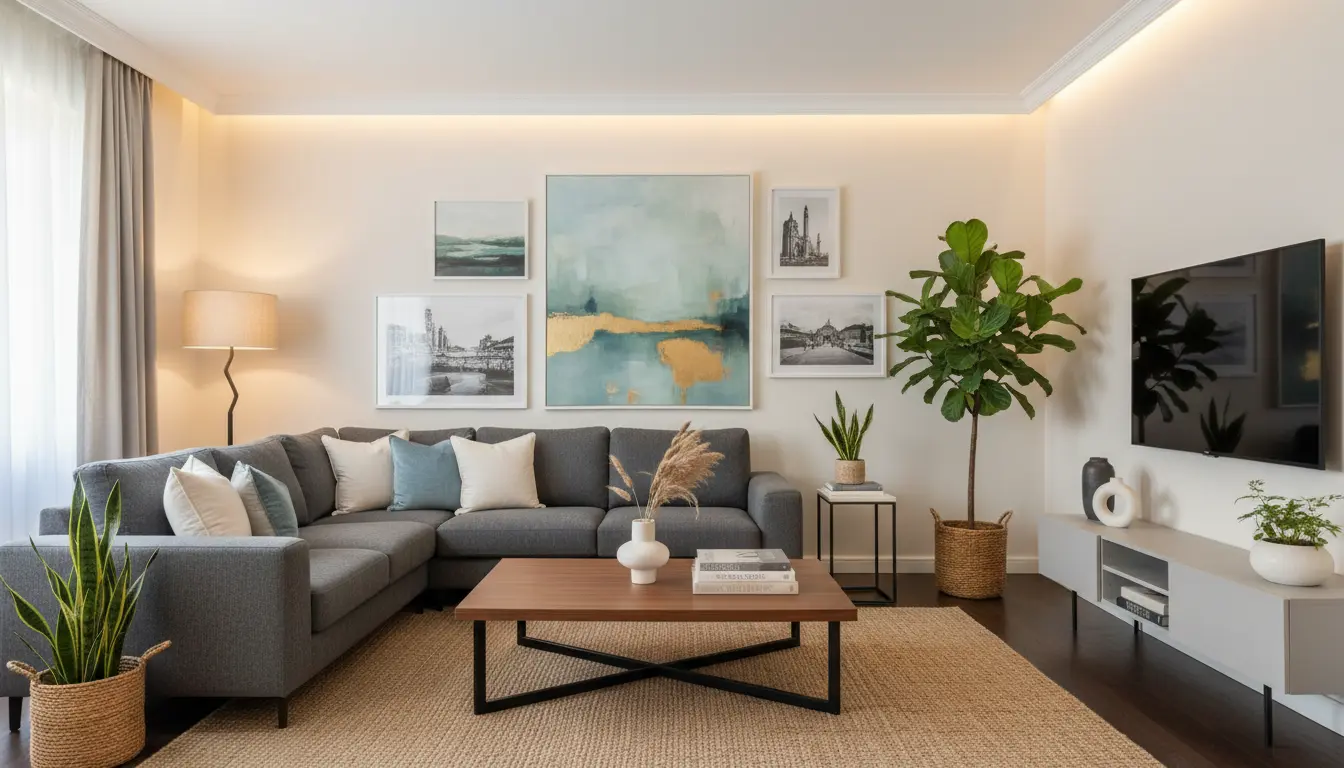
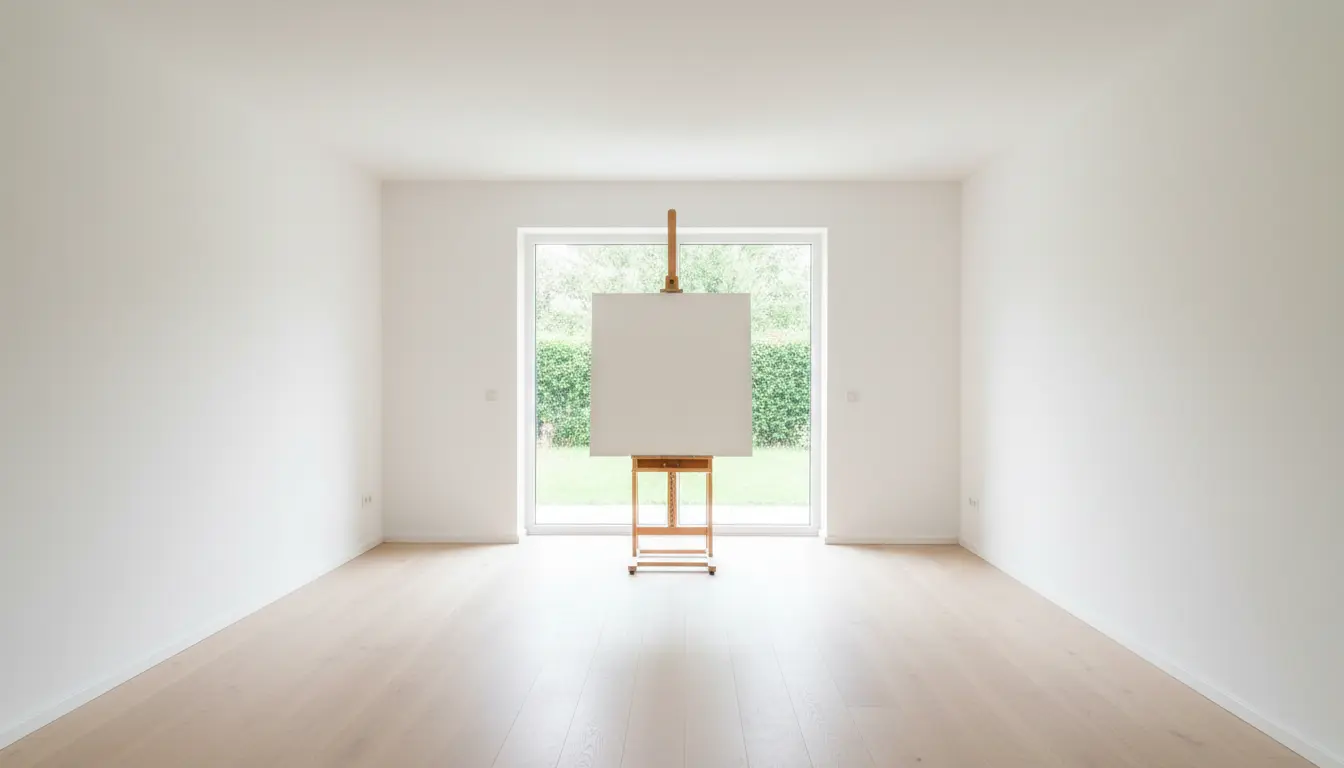
Drag the slider to compare before and after
AI Design Styles
30+ Design Styles in DecorAI AI Interior Design App
DecorAI AI room design app includes over 30 interior design styles. Each style transforms your room with different furniture, colors, and decor. Here are the most popular styles available in the app.
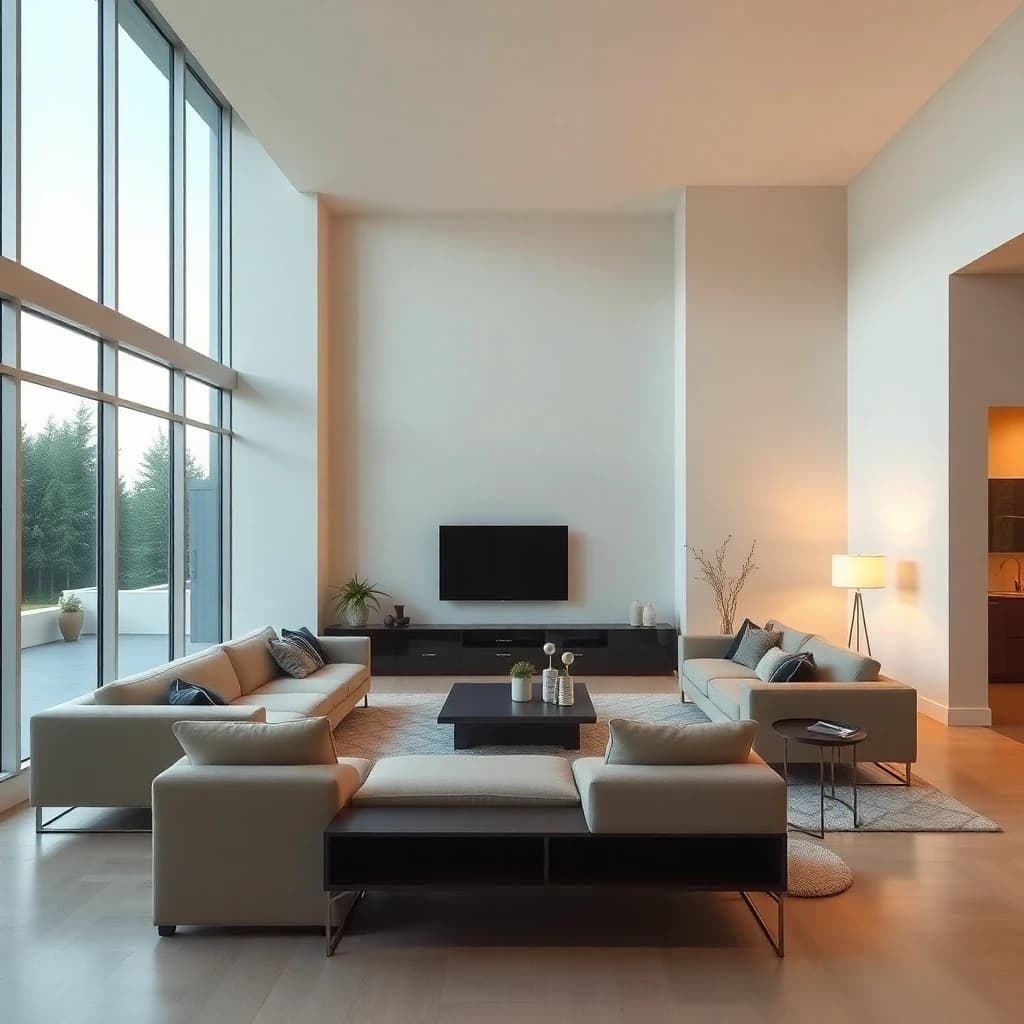
Modern
Clean lines, neutral colors, and minimalist furniture. Modern style uses simple shapes and focuses on function with a sleek contemporary look.
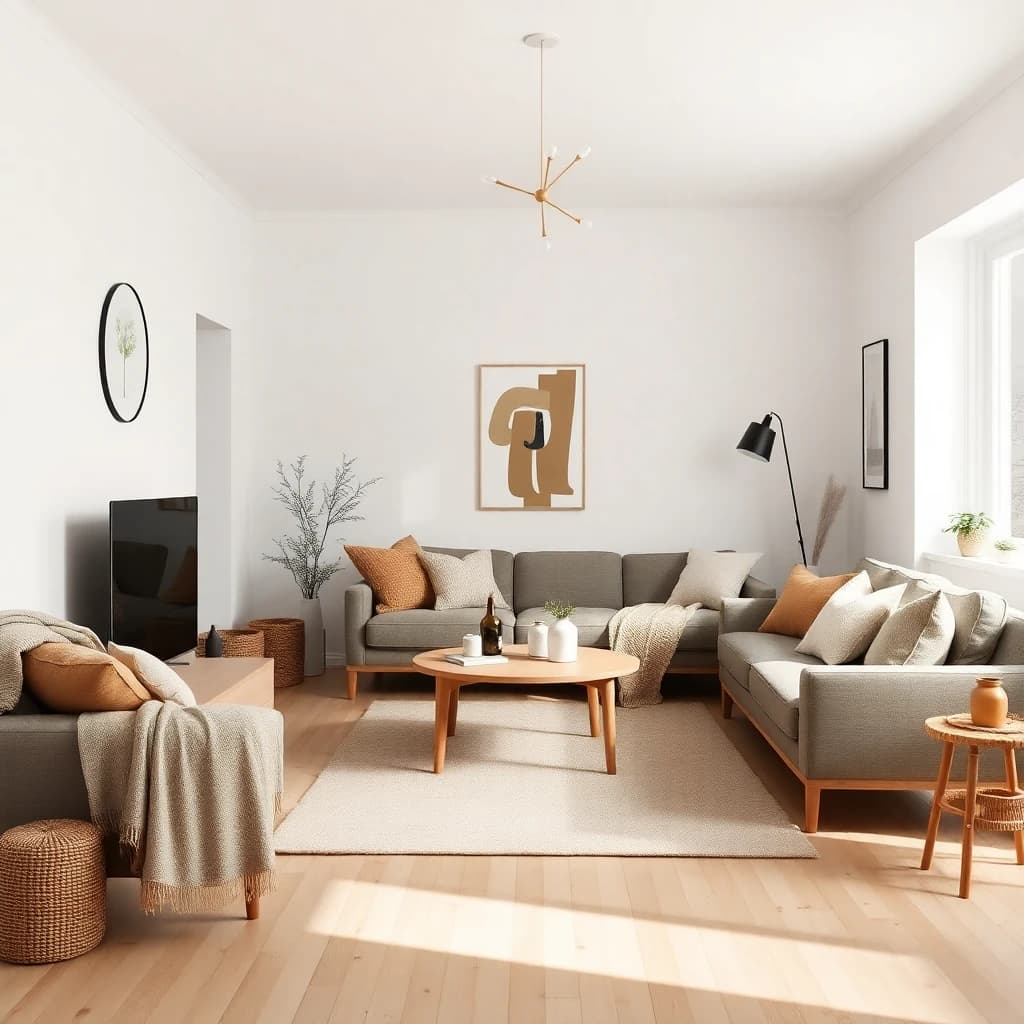
Scandinavian
Light wood tones, white walls, and cozy textiles. Scandinavian design combines functionality with warmth and natural materials.
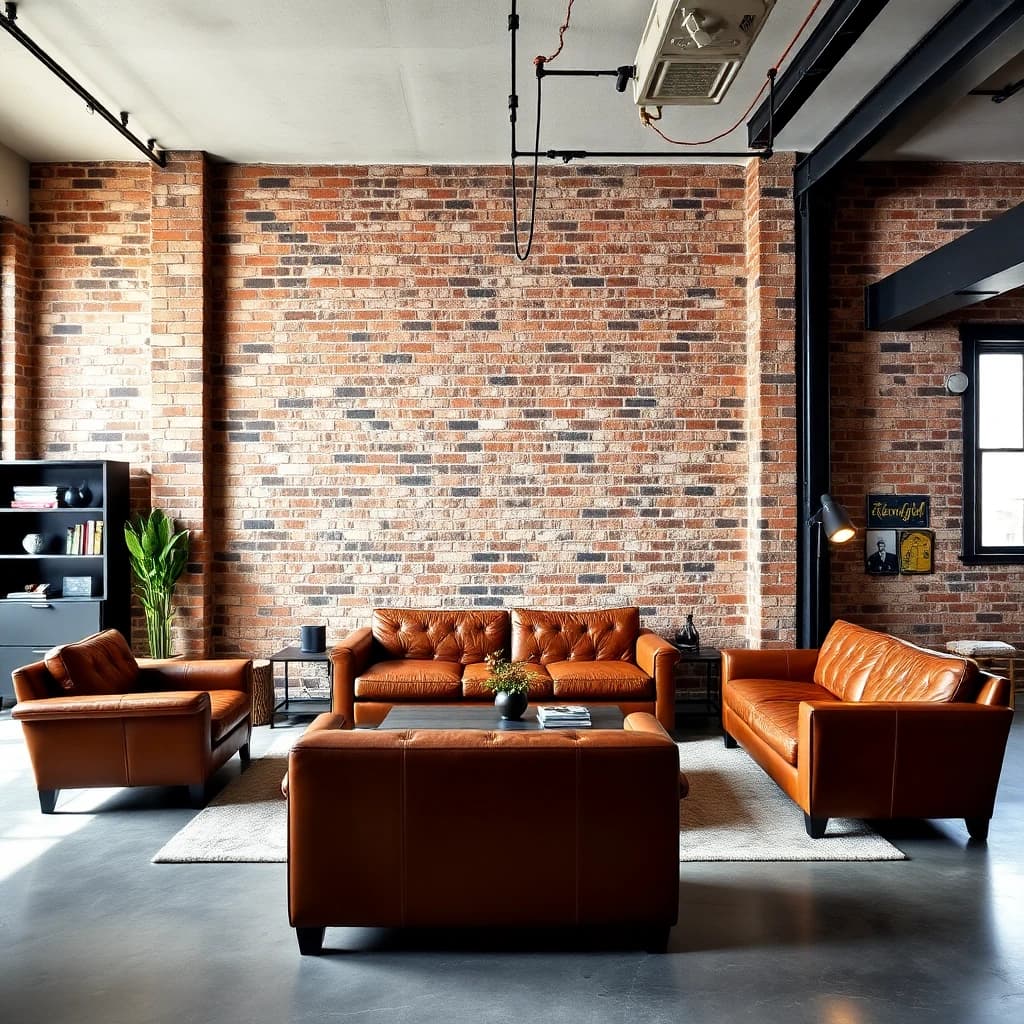
Industrial
Exposed brick, metal accents, and raw materials. Industrial style brings warehouse aesthetics into residential spaces with urban edge.
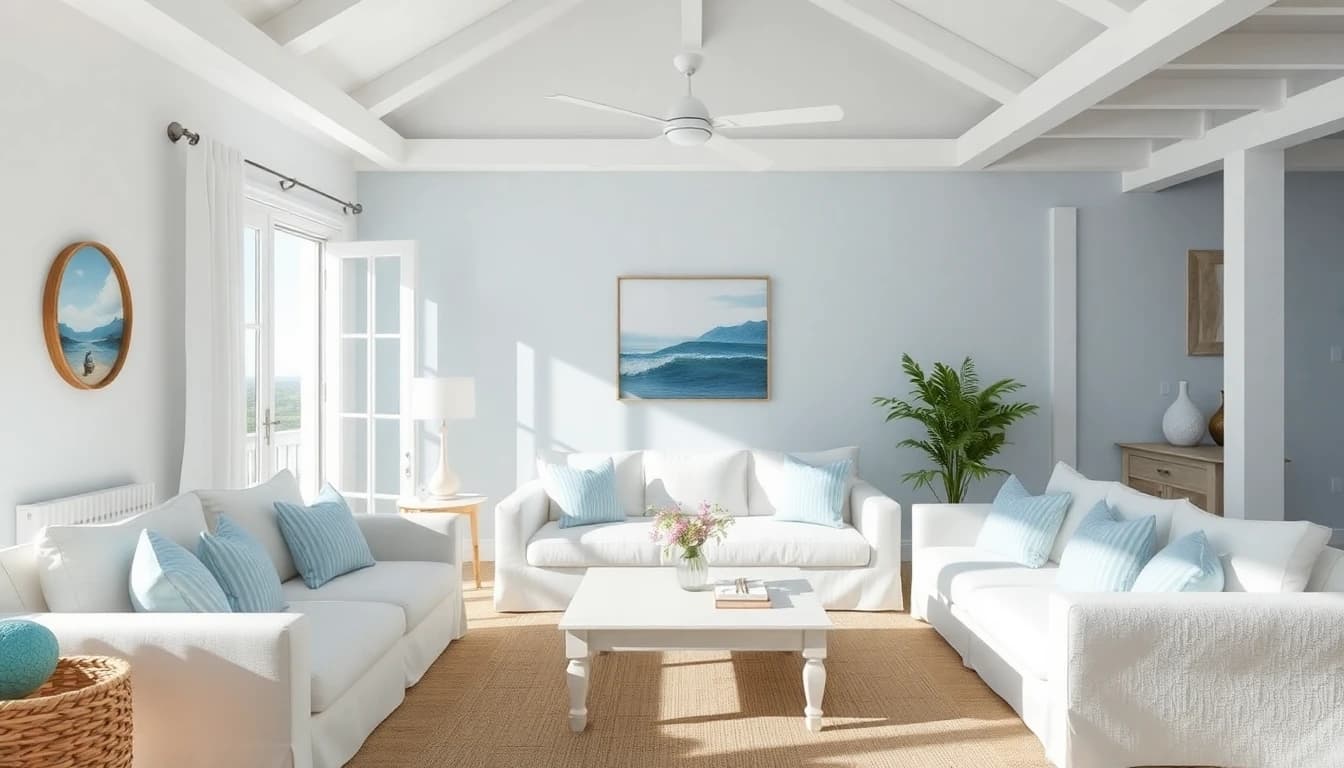
Coastal
Light blues, whites, and natural textures. Coastal design creates a relaxed beach house atmosphere with ocean-inspired colors.
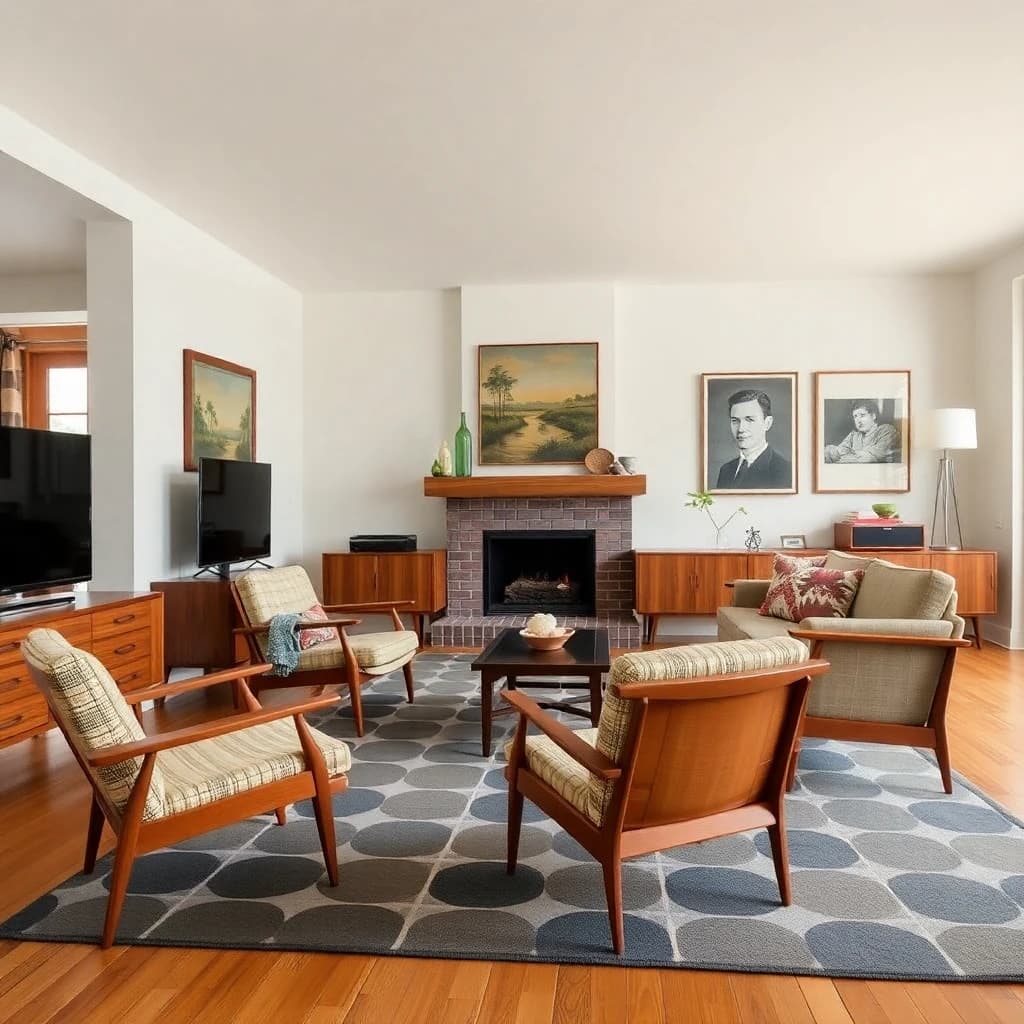
Mid-Century Modern
Retro furniture from the 1950s-60s with organic curves and tapered legs. Mid-century modern combines vintage appeal with timeless design.
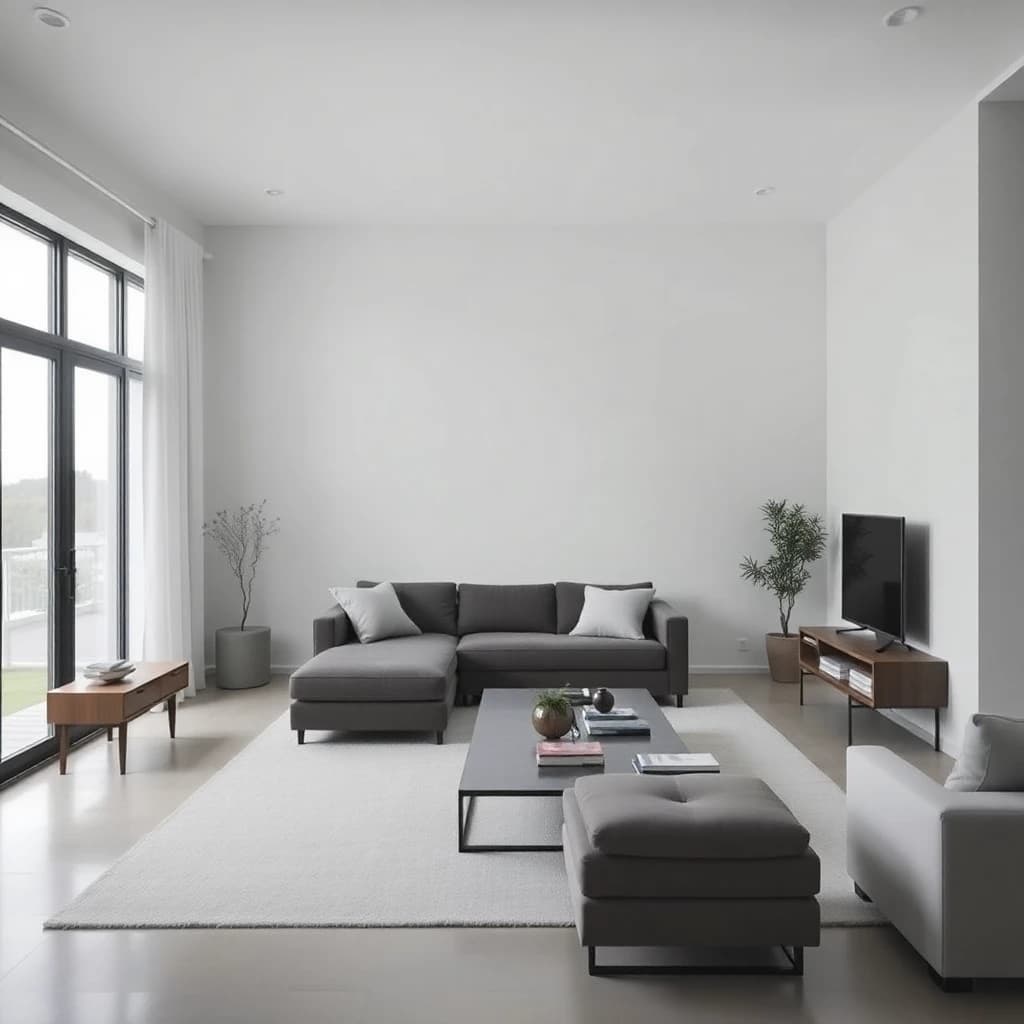
Minimalist
Essential furniture only with neutral palettes and clean spaces. Minimalist design removes clutter and focuses on simplicity.
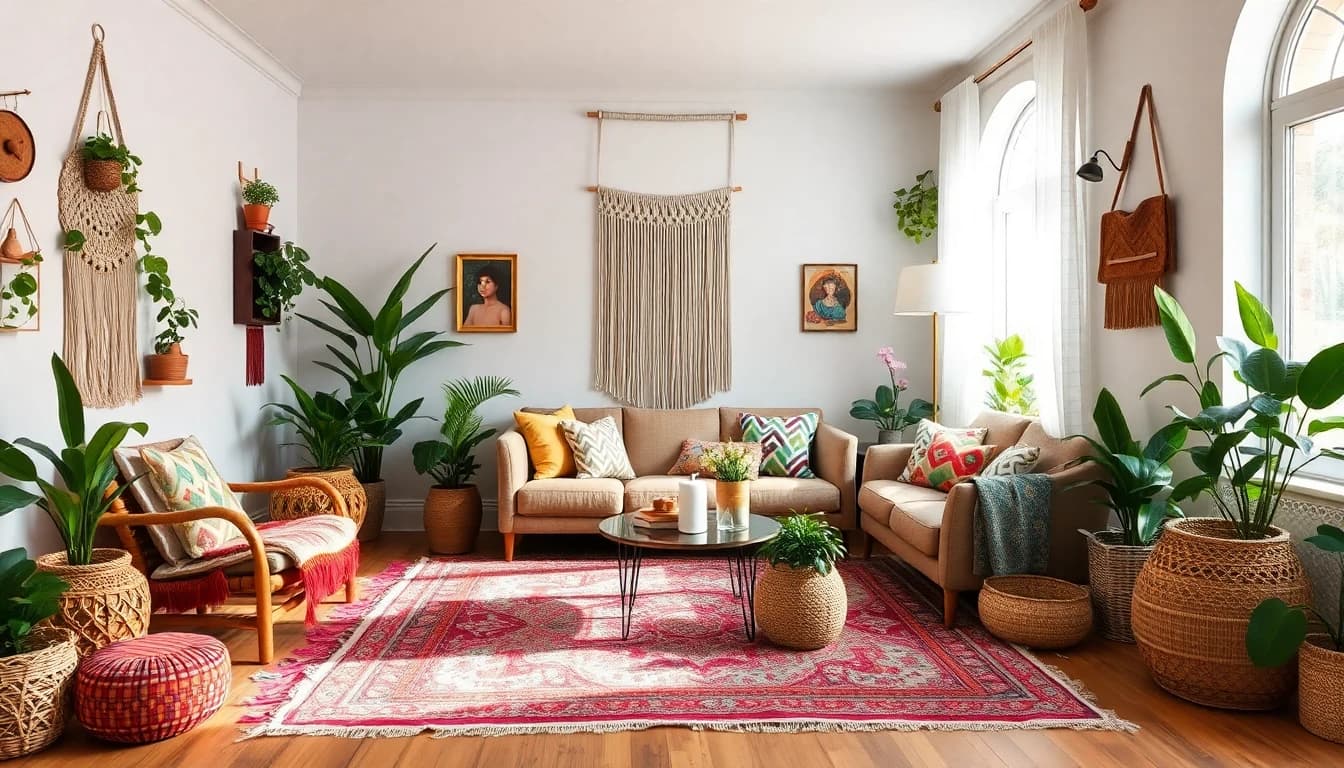
Bohemian
Layered patterns, vibrant colors, and eclectic decor. Bohemian style mixes global influences with plants and artistic elements.
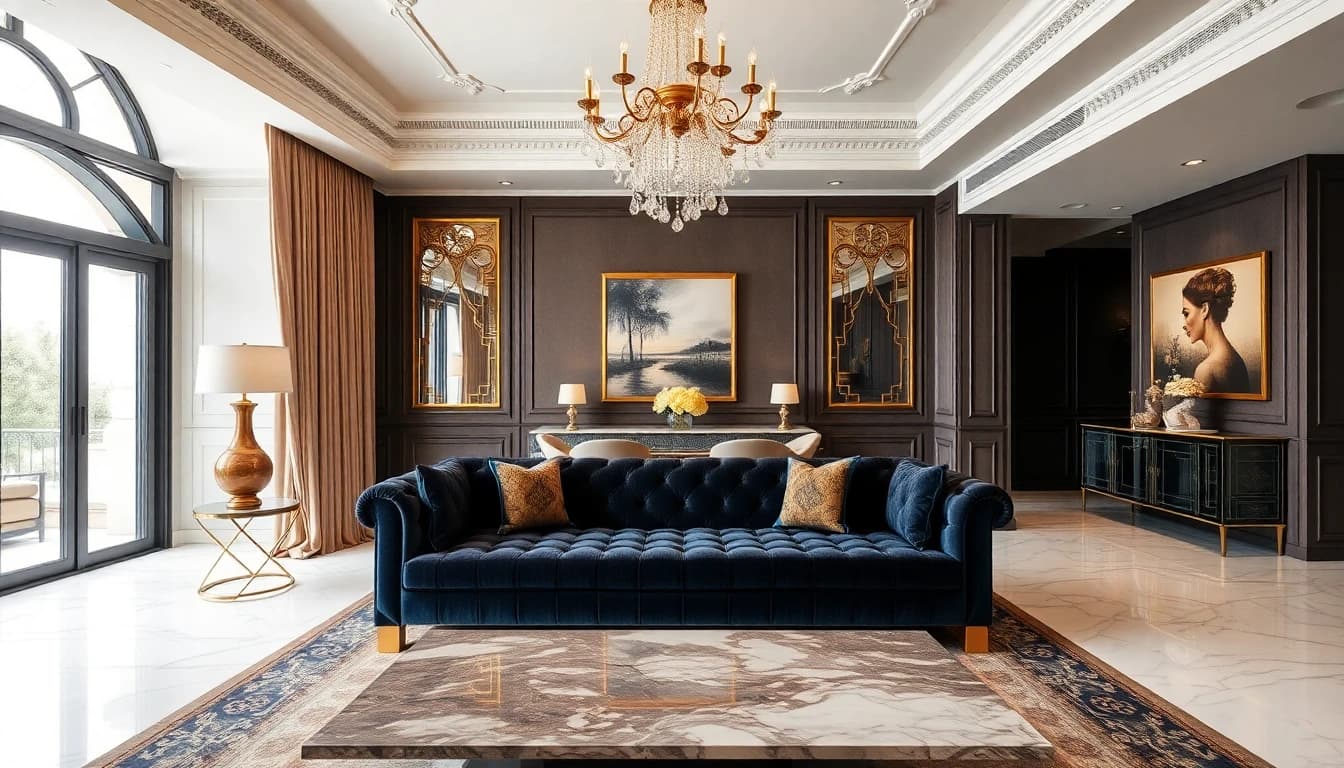
Luxury
Rich fabrics, gold accents, and elegant furniture. Luxury design features high-end materials and sophisticated color palettes.
Additional styles available: Farmhouse, Art Deco, Japandi, Contemporary, Traditional, Rustic, Mediterranean, Victorian, and more. The AI interior design app adds new styles regularly.
Rooms You Can Redesign with DecorAI
DecorAI AI interior design app works with every room in your home. Upload a photo of any space to generate before & after designs. Here are practical tips for designing each room type.
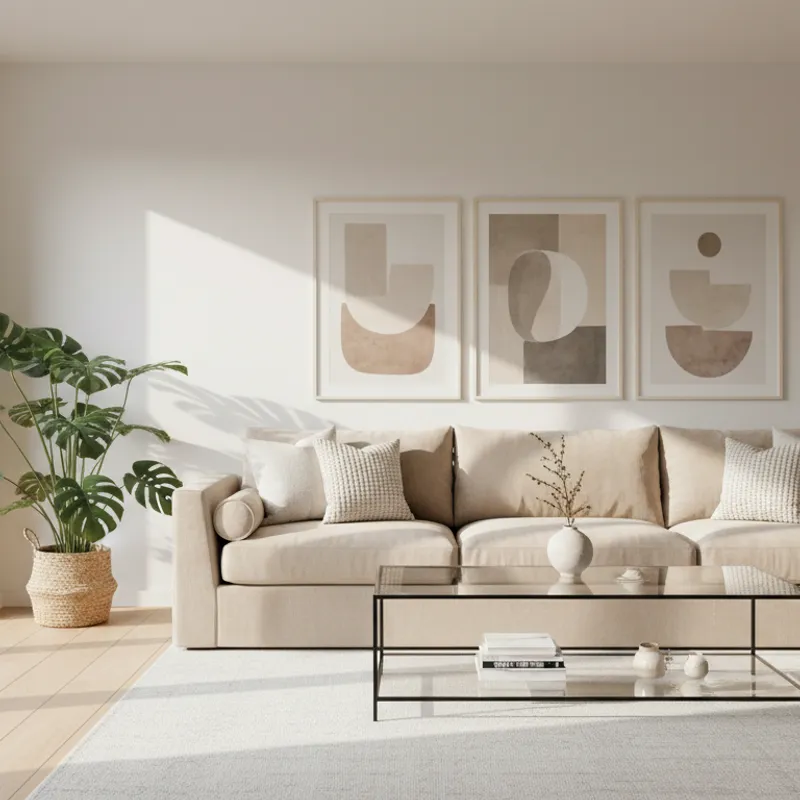
AI Living Room Design
Living rooms are the most popular space to redesign with DecorAI AI interior design app. Upload a photo of your living room to visualize different furniture arrangements, color schemes, and design styles before making changes.
Furniture Placement
Living room furniture should be arranged 4-8 feet apart for conversation areas. DecorAI AI room design app lets you test different furniture layouts digitally before moving heavy pieces. See how sofas, chairs, and tables look in various arrangements.
Lighting Design
Effective living room lighting combines overhead lights with floor lamps and table lamps at different heights. The AI interior design app can show how different lighting fixtures and placements change the room atmosphere.
Color Selection
Wall colors significantly impact living room mood. Blues and greens create calm spaces, while warm tones add energy. Use DecorAI to preview how different paint colors look in your actual living room before purchasing.
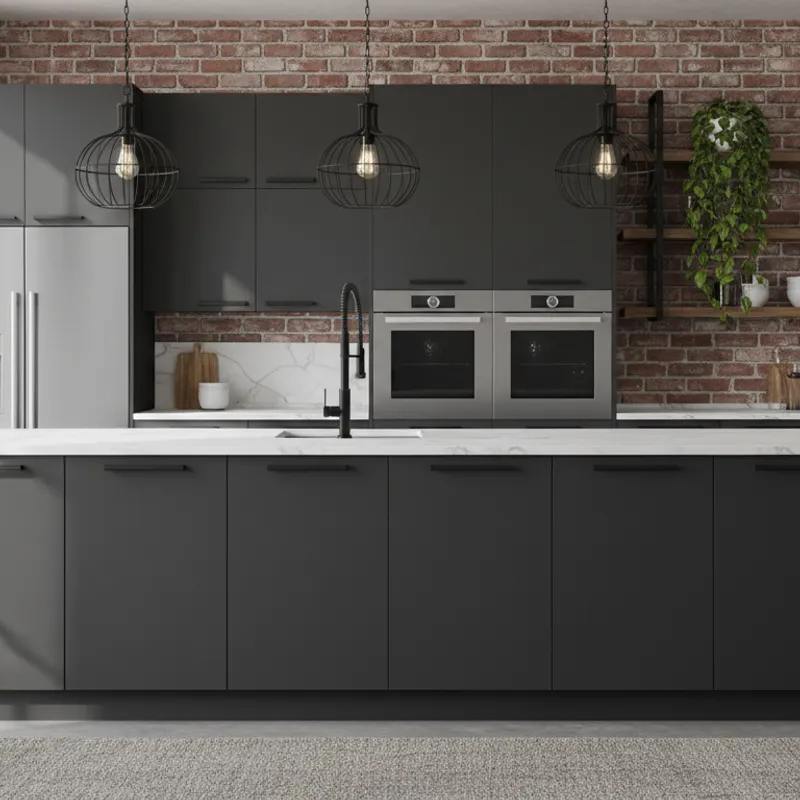
AI Kitchen Design
Kitchen remodels are costly investments. DecorAI AI home design app helps you visualize cabinet colors, countertops, and layouts before purchasing. Upload a kitchen photo to see design options and avoid expensive mistakes.
Kitchen Work Triangle
Efficient kitchens position the refrigerator, stove, and sink in a triangular layout to minimize movement while cooking. DecorAI AI interior design app lets you test different kitchen layouts to optimize workflow and functionality.
Cabinet Color Options
White and light gray cabinets create bright, spacious kitchens. Navy and dark green cabinets add depth and sophistication. The AI room design app shows how different cabinet colors and hardware look in your actual kitchen space.
Countertop Materials
Common countertop options include quartz (durable, low-maintenance), marble (elegant, requires care), and butcher block (warm, needs sealing). Use DecorAI to visualize how different materials pair with your cabinet selection.
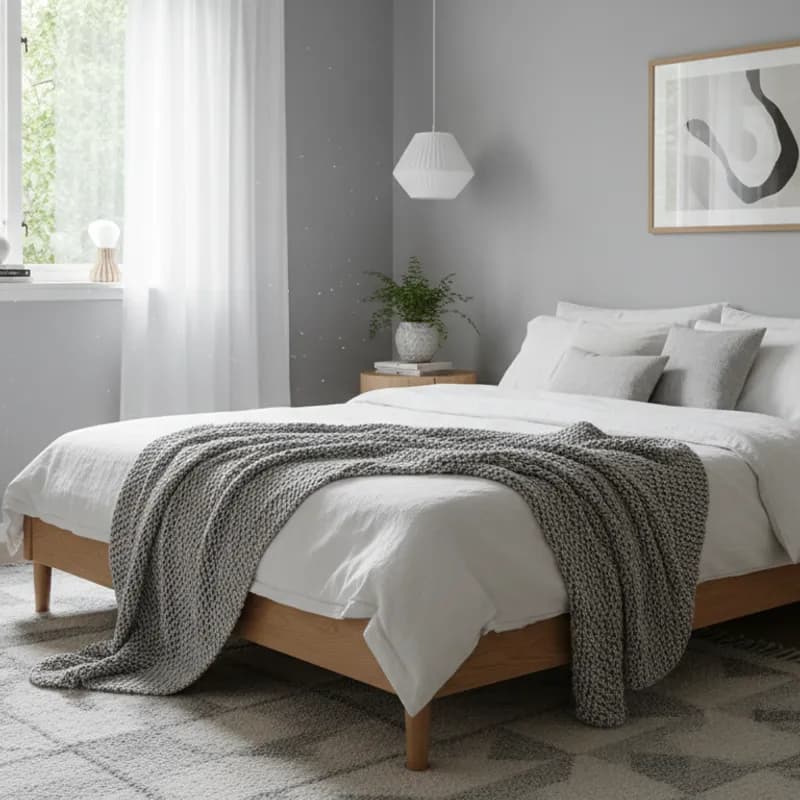
AI Bedroom Design
Bedrooms require calming designs that promote rest. DecorAI AI interior design app helps you choose colors, furniture placement, and lighting that create relaxing bedroom environments. Upload a bedroom photo to explore design options.
Bed Placement
Optimal bed placement positions the headboard against a solid wall with a clear view of the door. This arrangement promotes better sleep and room flow. DecorAI AI room design app shows how different bed positions affect your bedroom layout.
Sleep-Friendly Colors
Soft blues, gentle greens, and warm grays create calming bedroom environments that promote sleep. Studies indicate blue tones improve sleep quality. The AI interior design app lets you test which color palettes work best in your bedroom.
Bedroom Lighting
Effective bedroom lighting includes bedside lamps for reading and dimmable overhead lights for ambiance. Blackout curtains help control natural light. Use DecorAI to visualize how different lighting fixtures look in your space.
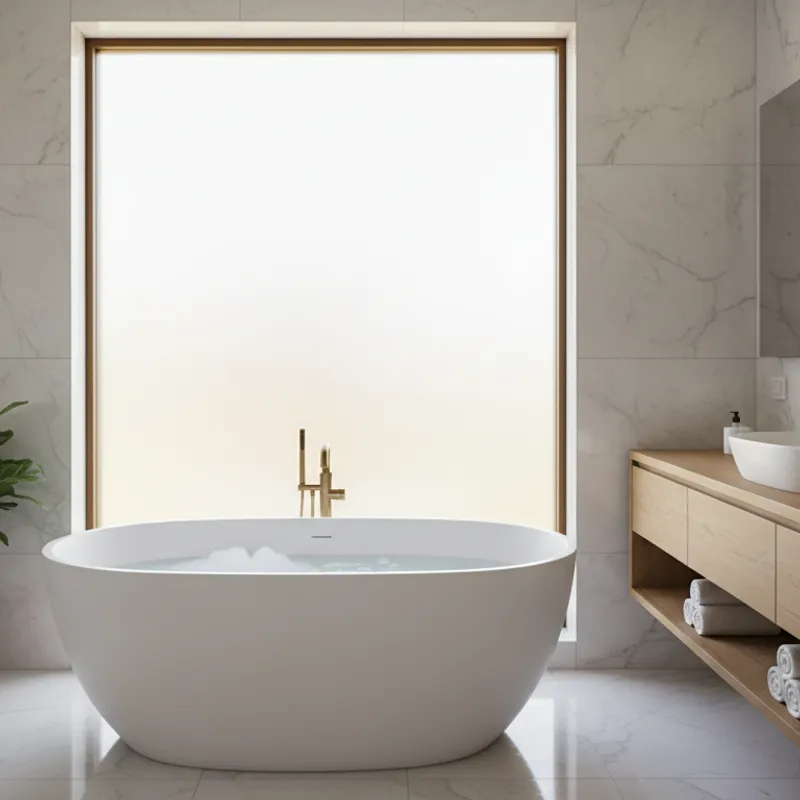
AI Bathroom Design
Bathroom renovations add home value but require careful planning. DecorAI AI home design app helps you visualize tile choices, fixtures, and storage solutions before installation. Upload bathroom photos to see renovation options.
Tile Selection
Bathroom tiles are permanent fixtures. Classic subway tiles offer timeless appeal, hexagon patterns add visual interest, and large-format tiles make small bathrooms appear larger. DecorAI AI interior design app shows how different tile styles look in your bathroom.
Bathroom Storage
Effective bathroom storage includes recessed medicine cabinets, floating vanities with drawers, and shower niches. Vertical wall space maximizes storage in small bathrooms. The AI room design app helps you visualize storage solutions.
Bathroom Lighting
Optimal bathroom lighting places fixtures on both sides of mirrors rather than just above. This eliminates shadows for grooming tasks. Use DecorAI to see how different lighting configurations and fixture styles work in your bathroom.
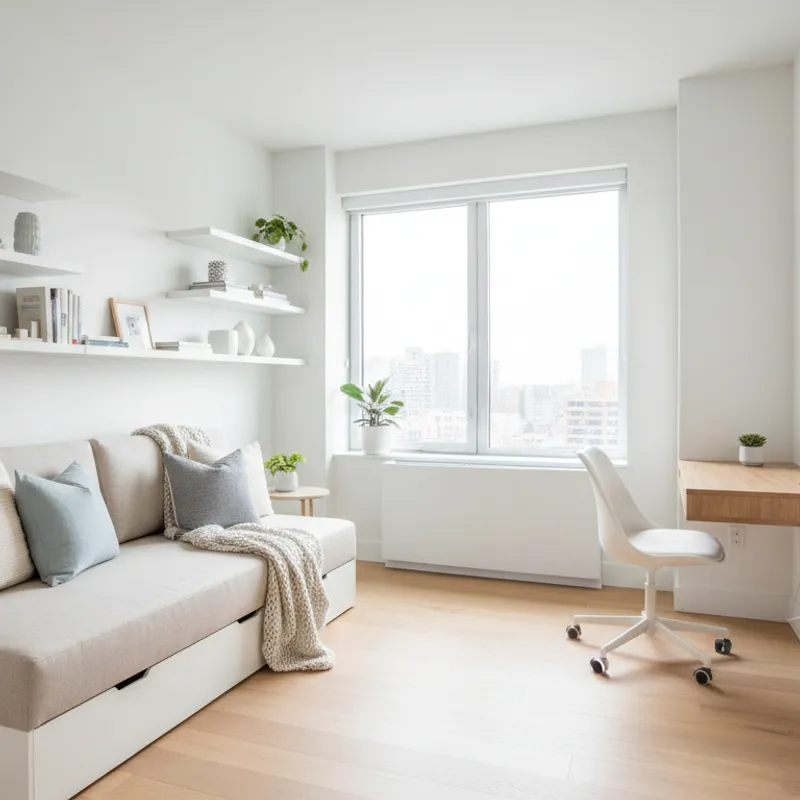
AI Home Office Design
Home offices require ergonomic layouts that support productivity. DecorAI AI interior design app helps you plan desk placement, lighting, and professional video call backgrounds. Upload your office space to explore design configurations.
Natural Light Positioning
Optimal desk placement positions the workspace perpendicular to windows. This provides natural light without screen glare. Natural light improves mood and productivity. DecorAI AI room design app shows how different desk positions utilize your available light.
Ergonomic Setup
Ergonomic home offices position computer screens at eye level, arm's length away. Quality chairs with lumbar support prevent back pain during long work sessions. The AI interior design app helps visualize different furniture arrangements for ergonomic workspaces.
Video Conference Background
Professional video call backgrounds include bookshelves, plants, or artwork. Avoid cluttered or distracting backgrounds. Use DecorAI to design a polished backdrop area that presents well on video calls.
AI Entryway Design
Entryways create first impressions and require organized storage solutions. DecorAI AI home design app helps you plan coat hooks, shoe benches, and storage for daily items. Upload an entryway photo to see organization options.
Entryway Storage
Functional entryways include coat hooks, shoe benches, and containers for keys and mail. Designated storage spots for each family member reduce clutter. DecorAI AI interior design app shows how different storage furniture fits your entryway space.
Durable Flooring
Entryways experience heavy foot traffic and require durable flooring materials like tile or vinyl. These materials withstand wet weather and daily wear. Washable rugs add style while catching dirt. The AI room design app previews flooring options in your entryway.
Welcoming Design
Mirrors make entryways feel larger and provide a last-minute appearance check. Artwork and statement lighting add personality. Entryways can accommodate bold paint colors as transition spaces. Use DecorAI to test different design options.
Design Any Room with AI
DecorAI AI interior design app works with all room types. Upload a photo of your space to generate before & after designs in 30+ styles. See your design ideas instantly.
Try DecorAI FreeDecorAI vs Traditional Interior Designer
| Feature | DecorAI App | Traditional Designer |
|---|---|---|
| Cost | Free to start | $500 - $5,000+ |
| Delivery Time | ~10 Seconds | Days or Weeks |
| Visual Style | 30+ Styles Instantly | Designer's Specific Style |
| Revisions | Unlimited | Limited (Additional costs) |
| Availability | 24/7 Instant Access | Appointment Basis |
Why DecorAI is Better Than Pinterest
| Feature | DecorAI App | |
|---|---|---|
| Your Actual Room | Yes | No (Generic Inspiration) |
| Result Type | Actionable Redesign | Ideas & Moodboards |
| Style Customization | Apply Any Style to Your Photo | Search & Hope for Match |
| Time to Visualize | Seconds | Hours of Searching |
Simple, Transparent Pricing
Start designing for free. Upgrade for unlimited access and professional features.
Free
Perfect for trying out ideas and seeing the magic of AI design.
- 3 free renders per day
- Access to standard styles
- Standard resolution downloads
Weekly Pro
Great for a quick renovation project or weekend makeover.
- Unlimited renders
- Unlock all 30+ styles
- High-resolution (4K) downloads
- No watermarks
- Priority processing speed
Monthly Pro
Best value for designers, agents, and home enthusiasts.
- Everything in Weekly, plus:
- Save 50% vs weekly
- Dedicated support
- Early access to new features
Prices may vary by location. Cancel anytime from your account settings.
Who this app is for
Whether you own, rent, sell, or just dream about beautiful spaces—DecorAI helps you visualize it all.
Homeowners
Planning renovations or redecorating projects. Test paint colors, furniture layouts, and design styles before spending money.
Renters
Visualizing apartment improvements without permanent changes. Try furniture arrangements and color schemes risk-free.
Real Estate Agents
Virtually staging empty homes for faster sales. Show buyers the potential of every space without expensive furniture.
Interior Design Enthusiasts
Exploring different styles and trends. Experiment with Scandinavian, Bohemian, Modern, and 30+ other aesthetics.
Anyone with Zero Design Experience
No skills needed. Over 1 million people use DecorAI to plan their rooms. Just upload a photo and choose a style.
The best part? You don't need any design experience.
DecorAI's AI Room Planner does all the design work for you. Just upload a photo, tap a style, and see your transformed space in seconds.
Try DecorAI Free - No Skills RequiredDecorAI AI Interior Design App FAQ
Common questions about DecorAI AI home design app, how it works, pricing, features, and supported room types.
What is DecorAI?
DecorAI is an AI interior design app that lets you upload a photo of your room and instantly generate realistic before & after designs in 30+ styles. The app works on iPhone, Android, and web browsers. Results are generated in under 10 seconds.
How does the AI interior design app work?
DecorAI works in 4 steps: upload a room photo, select from 30+ design styles, the AI generates a redesigned room in under 10 seconds, then download and share the before & after images. No design experience required.
Is there an AI interior design app?
Yes. DecorAI is an AI interior design app with over 1 million users. The app uploads room photos, applies AI-generated designs in 30+ styles, and produces photorealistic before & after images in under 10 seconds.
Can I redesign my room from a photo?
Yes. DecorAI AI home design app redesigns rooms from photos. Upload any room photo, select a design style, and the AI generates a realistic redesigned version showing furniture, colors, and decor in that style.
What is an AI interior design app?
An AI interior design app uses artificial intelligence to redesign rooms from photos. DecorAI analyzes room photos and automatically generates professional interior designs in different styles without requiring design skills.
Can AI design a room?
Yes. AI can design rooms by analyzing room photos and generating redesigns. DecorAI AI interior design app places furniture, applies colors, and creates complete room designs in 30+ styles based on a single uploaded photo.
Is DecorAI free to use?
DecorAI offers a free version that lets you create room designs. Free users can upload photos and generate redesigns. Premium plans provide unlimited designs and additional features, but the free version allows basic room redesign functionality.
Do I need design experience to use DecorAI?
No. DecorAI AI interior design app requires no design experience. The app handles all design decisions automatically. Users only need to upload a room photo and select a preferred style from the available options.
What happens after uploading a room photo?
After uploading a room photo to DecorAI, the AI analyzes the space dimensions and layout. Then it generates a redesigned version with furniture, colors, and decor in your selected style. The process takes under 10 seconds and produces a photorealistic before & after image.
Does the AI design fit my actual room size?
Yes. DecorAI AI room design app analyzes room dimensions from your photo and places proportionally correct furniture. The AI accounts for room size and scale to create realistic designs where furniture fits the available space appropriately.
Which is the best AI interior design app?
DecorAI is a leading AI interior design app with over 1 million users. It offers 30+ design styles, generates results in under 10 seconds, and works on iPhone, Android, and web browsers without requiring design experience.
Can AI redesign my entire home?
Yes. AI can redesign any room in your home. DecorAI AI home design app works with living rooms, bedrooms, kitchens, bathrooms, home offices, and all other residential spaces. Upload photos of different rooms to redesign your entire home.
What rooms can DecorAI redesign?
DecorAI AI interior design app redesigns all room types including living rooms, bedrooms, kitchens, bathrooms, dining rooms, home offices, basements, and nurseries. The app works with furnished rooms and empty spaces for virtual staging.
How many design styles does DecorAI have?
DecorAI includes 30+ design styles. Available styles include Modern, Scandinavian, Bohemian, Farmhouse, Coastal, Industrial, Mid-Century Modern, Minimalist, Luxury, Traditional, Art Deco, Japandi, Contemporary, and more. Users can switch between styles instantly.
Does DecorAI work on mobile phones?
Yes. DecorAI works on iPhones, Android phones, iPads, tablets, and computers. Download the app from the App Store or Google Play, or access it through a web browser at app.decoraihome.com without downloading.
Can DecorAI design empty rooms?
Yes. DecorAI AI home design app includes virtual staging for empty rooms. The AI adds furniture and decor to vacant spaces. This feature works well for new apartments, homes for sale, or planning before furniture purchases.
Do real estate agents use AI interior design apps?
Yes. Real estate agents use DecorAI for virtual staging of empty listings. Virtual staging with AI costs less than traditional physical staging while helping buyers visualize furnished spaces in property photos.
Are uploaded room photos private?
Yes. DecorAI keeps uploaded room photos private and does not share them with third parties. Users can delete their images from their account at any time. The app maintains user photo privacy and security.
Can I preview paint colors with AI?
Yes. DecorAI AI interior design app includes paint color preview functionality. The app applies different paint colors to your actual walls in the photo, letting you see how colors look in your space before purchasing paint.
Can AI show different flooring options?
Yes. DecorAI AI room design app visualizes different flooring materials including hardwood, tile, carpet, laminate, and vinyl in your actual room. This helps users make flooring decisions before installation costs are incurred.
How realistic are AI-generated room designs?
DecorAI generates photorealistic room designs. The AI creates images with accurate lighting, proper proportions, and natural furniture placement that resemble professional interior design photos rather than artificial renders.
Can I save AI-generated room designs?
Yes. DecorAI automatically saves all generated designs to your account. Users can access saved designs anytime, download high-quality images, and create unlimited new designs depending on their plan tier.
Can I share AI room designs on social media?
Yes. DecorAI allows users to download generated room designs and share them on any platform including Instagram, Facebook, Pinterest, and TikTok. The before & after images are shareable without restrictions.
What if I don't like the AI-generated design?
Users can generate new designs by selecting different styles. DecorAI creates a new design in under 10 seconds. Users can try multiple styles until finding a preferred design without limitations on the number of attempts.
Is AI interior design better than Pinterest for room ideas?
AI interior design shows your specific room redesigned, while Pinterest shows generic room photos. DecorAI AI home design app uses your actual space dimensions, lighting, and layout to generate personalized designs that fit your specific room.
How should I photograph my room for AI design?
For best results, photograph rooms in daylight from a corner position to capture more of the space. Hold the phone level and ensure a clear view of the room. The AI works with cluttered rooms, so tidying beforehand is optional.
Can I use existing photos from my phone?
Yes. DecorAI accepts any room photo from your camera roll or photo gallery. Users do not need to take new photos. The app redesigns existing room images from your photo library.
How do I start using DecorAI?
To use DecorAI, visit app.decoraihome.com in a web browser or download the app from the App Store or Google Play. Upload a room photo, select a design style, and the AI generates a redesign in under 10 seconds. No credit card required for the free version.